Velocidrone vs Liftoff vs DCL: Which FPV Sim to Fly
For honest physics and racing, pick Velocidrone; for the gentlest learning curve and the best…
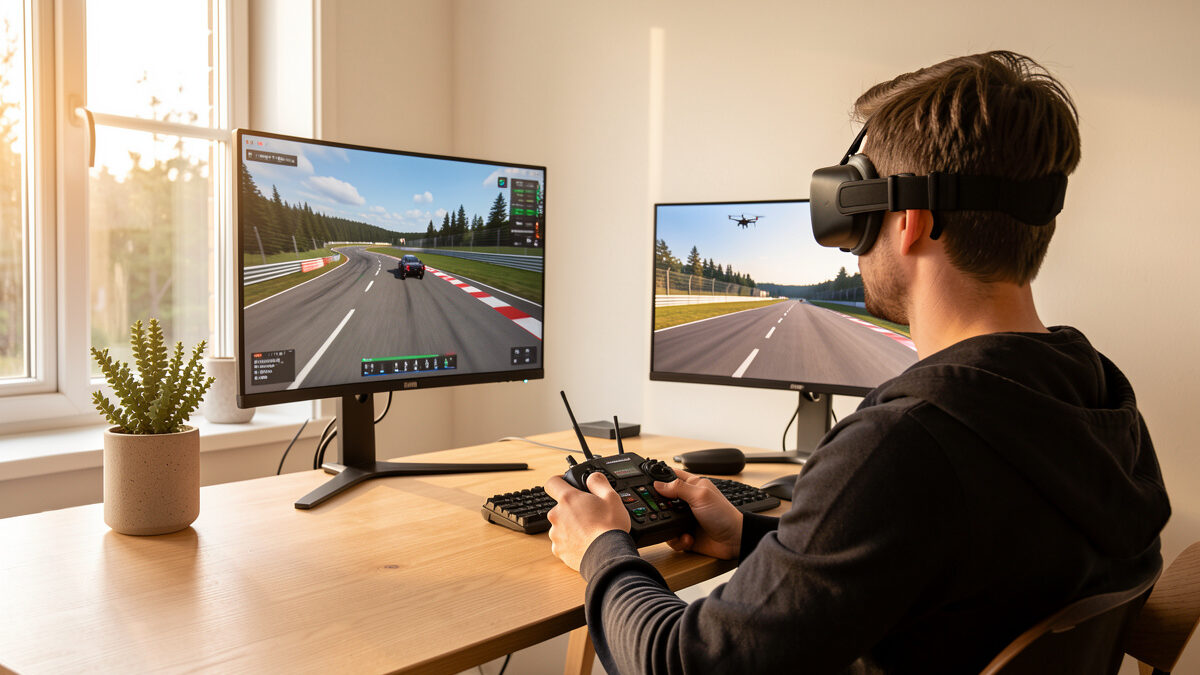
An FPV simulator is a piece of software that lets you fly a virtual quad with your real radio, and it is the cheapest crash insurance ever sold. A good sim costs around $20 to $25 once; the parts to rebuild a 5-inch quad after one bad cartwheel can run $60 to $120. You crash for free, learn the stick habits that keep you alive, and only then arm real props.
I fly both halves of this hobby in Sweden — sub-250g camera drones for the landscape light and FPV quads I build and rebuild at my own soldering bench — and the single best decision I made early was treating the sim like an apprenticeship instead of a video game. This guide is the whole map: what a sim actually trains, what it honestly cannot, which platforms are worth your hours, how to set up your controller, and the stage-by-stage skills to grind before your first armed flight. Every link here goes deeper on one piece of it.
A simulator trains the one thing that gets beginners killed in the wallet: stick coordination in acro mode. In acro (also called rate mode), the quad never self-levels — you fly every axis manually, and that reflex has to live in your thumbs before it can live in the air. The sim builds that reflex for the price of a coffee a month, not a coffee a crash.
Concretely, sim hours teach you throttle management (the number-one beginner failure), coordinated roll-and-yaw turns, recovering from a tumble, reading the horizon line through goggles, and the muscle memory of disarming before you hit something. None of that needs real props spinning. The motor wash, the wind, and the cost of a mistake are the only things the screen leaves out — and those are exactly the things you want to add after the basics are automatic, not while you are still fighting the throttle. If you are completely new to the hobby, start with my FPV beginner entry path, then come back here for the sim stage.
The stick inputs transfer almost completely; the consequences do not transfer at all. That is the honest line on simulators, and anyone who tells you sim hours equal real flight hours one-for-one is selling confidence you have not earned. Your thumbs will know what to do. Your nervous system, the first time a real $400 quad is screaming three meters off the ground, will not be as calm as it was on the couch.
What does transfer: muscle memory for acro inputs, the instinct to chop throttle instead of yanking it up when things go wrong, orientation recognition, and the basic flow of a flight. What does not: dealing with wind gusts, prop wash near the ground, battery sag under real load, signal dropouts, and — most of all — the adrenaline that makes your hands clumsy. Treat the sim as the place you build competence and the field as the place you build composure. Sim skill is a foundation, not a substitute, and a sub-250g whoop is still the right way to make the jump — see why your first FPV quad should be a tinywhoop.
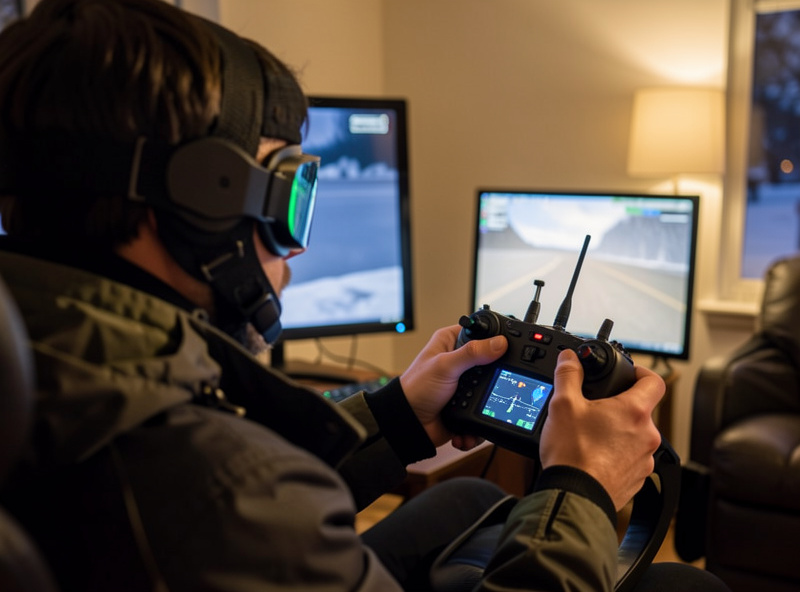
There are roughly a dozen FPV sims, but only a handful are worth building a habit around: Velocidrone, Liftoff, the DCL game, Uncrashed, and the free options like the DRL tier. The split is simple — physics-realistic sims for skill transfer, and arcade-leaning sims for fun that still helps. For pure skill, the realistic-physics camp wins; for motivation, the prettier ones keep you flying.
My short version: Velocidrone for the most honest physics and the racing community, Liftoff for the most forgiving learning curve and the best freestyle maps, and the DCL sim if leagues and structured tracks light you up. If you want the full head-to-head I keep a dedicated Velocidrone vs Liftoff vs DCL comparison, and if you have not bought one yet, my best FPV simulator pick for 2026 walks through which one fits which pilot. Broke? The free FPV simulator guide covers what you can learn for exactly zero before spending a krona.
| Simulator | Physics realism | Best for | Price (approx.) | Learning curve |
|---|---|---|---|---|
| Velocidrone | Very high | Racing lines, honest skill transfer | $20 one-time | Steeper, more rewarding |
| Liftoff | High | Freestyle, forgiving onboarding | $20 one-time | Gentle |
| DCL — The Game | Medium-high | Structured leagues and tracks | $25 one-time | Moderate |
| Uncrashed | Medium | VR-style immersion and fun | $20 one-time | Gentle |
| DRL free tier | Medium | Trying FPV for $0 | Free | Gentle |
Prices drift and platforms add modes, so treat the table as a map of intent rather than a spec sheet — check the current store page before you buy. The realism column is the one that matters most if your goal is transfer to a real quad; the cheaper your real quad budget, the more those Velocidrone hours pay off when you finally arm.
Plan on roughly 15 to 20 focused sim hours before your first armed flight, and many pilots want more. That is not a hard rule — it is the point where most people can hold a stable hover in acro, fly a slow figure-eight, and recover from a tumble without panicking. If you cannot do those three things in the sim, you are not ready to do them over grass that costs money.
“Focused” is the operative word: 20 distracted hours half-watching a show are worth less than 8 deliberate ones drilling one skill at a time. I broke down exactly what those hours should contain, and why the number varies by person, in how many FPV simulator hours before flying. The honest answer is that the sim tells you when you are ready — when the basics feel boring, the field is calling.
Before any of this skill-building works, your radio has to behave the same way in the sim as it will on a real quad — same mode, same channel map, same rates ballpark. A controller that is calibrated and mapped correctly is the difference between learning real habits and learning bad ones you will have to unlearn at the field. Get this wrong and every sim hour is teaching your thumbs a lie.
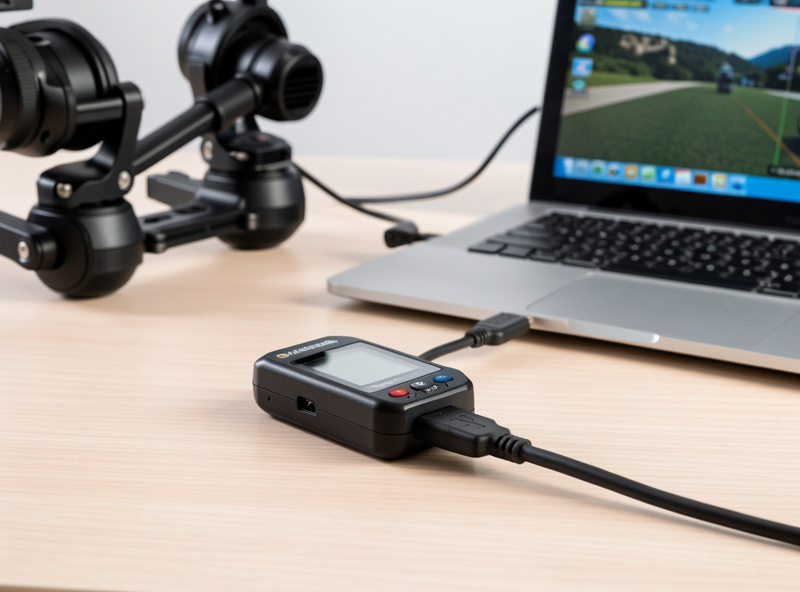
The essentials: bind or connect your radio over USB, calibrate the gimbals so center is truly center, set Mode 2 (throttle/yaw left, pitch/roll right) unless you have a strong reason not to, and dial your rates somewhere near what your real Betaflight quad will run so the muscle memory matches. I walk through the whole process — including hall-sensor gimbal calibration and matching sim rates to Betaflight — in the FPV sim controller setup guide. And yes, buy the radio before the drone; here is why the controller comes first.
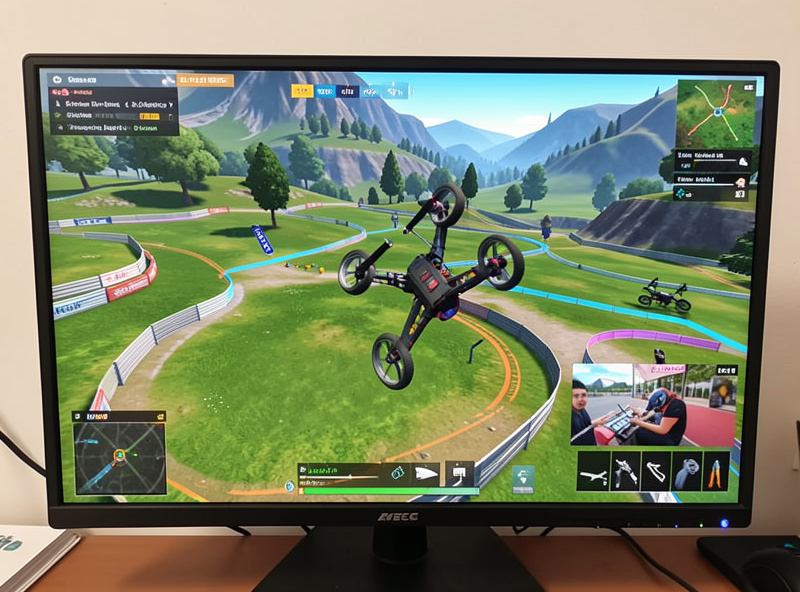
Skill comes in a fixed order, and skipping a stage just means crashing on it later: hover, then orbits, then racing lines, then freestyle. Each stage is a prerequisite for the next, and the sim is where you fail through all of them for free. Most people who “can’t fly FPV” simply tried to freestyle before they could hover.
Stage 1 — Stable acro hover. Hold position in rate mode without drifting. Boring, essential, the foundation of everything.
Stage 2 — Orbits and figure-eights. Coordinated turns linking roll and yaw, smooth throttle through the turn. This is where real stick coordination is born.
Stage 3 — Racing lines. Carrying speed through gates, braking points, the fastest path between two points. My racing lines training guide drills the exact lines and where pilots bleed time.
Stage 4 — Freestyle. Power loops, splits, matty flips — the tricks worth grinding in the sim before you risk a real frame are in the FPV freestyle tricks to practice in sim guide. Crash these a hundred times on the screen, not on your $120 build.
You need exactly two things to start: a USB-capable FPV radio and a computer that can run the sim. You do not need goggles to practice in a simulator — the screen is your view — though flying goggles-on in the sim later helps your eyes adjust to the FPV frame. The radio is the one purchase worth doing right the first time.
Get a hall-sensor gimbal radio with a USB connection (most modern radios running ELRS or multiprotocol qualify), because hall sensors do not wear out and drift the way potentiometer gimbals do — and gimbal drift in the sim teaches your thumbs to compensate for a problem your real quad will not have. A solid radio is the only thing here that crosses straight from sim to field unchanged. You can browse hall-gimbal FPV radios on Amazon to see current options. As an Amazon Associate I earn from qualifying purchases.
On goggles and the analog-versus-digital question, none of that matters for sim practice — but it matters a lot at the field, and I cover it honestly in analog vs digital FPV for beginners.
Twenty deliberate minutes beat two distracted hours. The routine that built my acro: five minutes of hover drills to warm up, fifteen on the single skill you are weakest at, and a few minutes of free flight at the end as a reward. One skill per session, repeated until it is boring, then move on.
Track your weaknesses honestly — if your figure-eights are sloppy on the left turn, that is the session’s whole job. Resist the urge to fly the fun freestyle map for an hour and call it practice; that builds confidence, not competence. The pilots who progress fastest are the ones who are slightly bored, because boredom means a skill has become automatic. When the sim stops being hard, you are ready to go build the real thing — the 5-inch FPV build guide and the crash repair guide are waiting for when the consequences get real, and the LiPo care guide keeps the packs that power it honest.
Run the numbers once and the sim stops being optional. A new beginner who skips the sim and learns on a real 5-inch averages several hard crashes in the first month — and each one can mean a snapped arm, bent motor shafts, torn ESC pads, or a cracked camera. Replacement parts land in the $15 to $40 range per incident, and a destroyed flight controller or VTX pushes a single crash past $60. Three of those in a month and you have spent more on repairs than three sims cost.
The sim turns that bill into zero. You will still crash — constantly, which is the point — but the only thing that breaks is your ego. My own bench has rebuilt enough quads from real crashes that I can tell you exactly which mistakes the sim drills out of you for free: the panic throttle-punch, the disoriented yaw spin, and the failure to disarm on impact that turns a tip-over into burnt motors. Every one of those is a screen mistake in the sim and a parts order in real life. The cheaper your budget, the more the math favors grinding hours before you ever arm.
The biggest waste in sim practice is flying for fun and calling it training. You feel busy, you log the hours, and your figure-eights are still sloppy because you never actually drilled them. Deliberate practice on one weakness beats an hour of joyriding the freestyle map every single time, and most pilots who plateau are stuck precisely because they stopped doing the boring part.
The other classic mistakes: flying in self-level or angle mode in the sim (which teaches a crutch you will fight to unlearn in acro), running rates wildly different from your real quad so the muscle memory does not carry, skipping the warm-up hover so your first minutes are cold and ugly, and never flying goggles-on so your eyes never adjust to the FPV frame. Fix those four and your hours start compounding. Acro from day one, matched rates, a hover warm-up, and goggles when you can — that is the whole discipline.
When the sim feels boring, the field is calling — but the first armed flight still deserves a plan, because composure is the one thing the screen never taught you. Pick a calm, low-wind day, an open space well clear of people and property, a fully charged pack, and start with the most boring thing you know: a low, stable acro hover. Resist every urge to do the cool stuff you can land in the sim.
The transition is psychological more than technical. Your thumbs are ready; your nerves are not. Fly low, fly slow, and let the adrenaline settle over the first two or three packs before you ask the quad to do anything ambitious. Keep your finger on disarm. This is also where the EU open-category rules become real — registration, the sub-250g logic, and distance limits are the framework I fly under, and you should confirm the current rules with your national authority before that first flight rather than taking any blog’s word for it. The sim made you capable; the field makes you a pilot.
Most FPV sims are far lighter than modern AAA games, so you do not need a gaming rig — but the lighter your hardware, the more you have to pick the sim around it. Liftoff and Uncrashed are the most graphically demanding; Velocidrone is deliberately plain so it runs on almost anything; FPV Freerider and browser trainers will run on a five-year-old laptop. Match the sim to the machine you already own and you can start tonight.
The realistic floor: a dual-core CPU, 8GB of RAM, and any GPU from the last decade will run Velocidrone or FPV Freerider smoothly at 60fps. For Liftoff or Uncrashed at decent settings, you want a dedicated GPU in the GTX 1650 or RX 6500 class or newer, 16GB of RAM, and a quad-core CPU. Integrated graphics like Intel Iris will run the demanding sims, but only at low settings and reduced frame rates, which makes fast flying harder to read.
Frame rate matters more than graphics, and this is the part beginners miss: a sim running at 30fps adds visual lag that teaches your thumbs slightly wrong timing. Aim for a locked 60fps minimum — drop the resolution and turn shadows off before you accept a lower frame rate. A plain-looking sim at a smooth 60fps trains better habits than a gorgeous one stuttering at 35. On a modest laptop I run Velocidrone at low settings and a rock-solid frame rate rather than Liftoff pretty and stuttering.
One piece nobody mentions: USB polling and input latency. Your radio connects as a USB joystick, and a cheap or overloaded USB hub can add a few milliseconds of input delay you will feel as mushy sticks. Plug the radio straight into a rear USB port on a desktop, skip the hub, and close the browser tabs eating your RAM before a serious session. The whole point of the sim is honest stick feedback — do not sabotage it with a laggy frame rate or a delayed input path. Betaflight’s own documentation is the reference for the rates and modes you will eventually mirror from sim to quad.
On platform: all the major sims run on Windows, most run on macOS (Velocidrone and Liftoff both ship Mac builds), and Linux support is hit or miss — Velocidrone has a native Linux build, others need Proton or a workaround. If you are on a Mac or a Chromebook, confirm the sim has a native build before buying, or start with a browser-based trainer that needs nothing but a tab and your radio.
Practically, yes. A sim costs about $20 once; rebuilding a crashed 5-inch quad runs $60 to $120 in parts. The sim builds acro stick habits for free, so you crash on a screen instead of over grass. It is the cheapest insurance in the hobby.
No. Stick inputs and muscle memory transfer almost completely, but consequences do not. Wind, prop wash, battery sag, signal dropouts, and adrenaline only exist at the field. Treat the sim as where you build competence and real flight as where you build composure.
A USB-capable FPV radio with hall-sensor gimbals. Connect over USB, calibrate the gimbals, set Mode 2, and match your rates to what your real Betaflight quad will run so the muscle memory carries over. You do not need goggles to practice in a sim.
Plan on roughly 15 to 20 focused hours, though many pilots want more. The real marker is capability: a stable acro hover, a smooth figure-eight, and a calm tumble recovery. When those feel boring in the sim, you are ready for the field.
Liftoff has the gentlest learning curve and the best freestyle maps, while Velocidrone offers the most honest physics for skill transfer. If money is tight, free options like the DRL tier let you confirm you enjoy FPV before spending anything.
Hover first, then orbits and figure-eights, then racing lines, then freestyle. Each stage is a prerequisite for the next. Most pilots who struggle with FPV simply tried to freestyle before they could hold a stable acro hover.
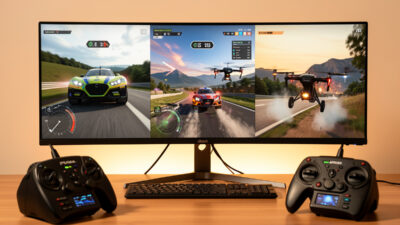
For honest physics and racing, pick Velocidrone; for the gentlest learning curve and the best…
The question I get more than any other from people about to buy their first…
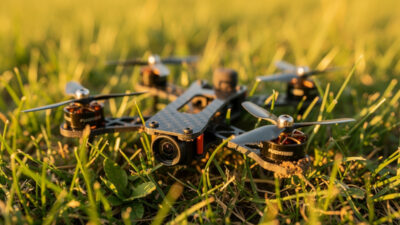
I’ve made most of the expensive FPV beginner mistakes myself, and I’ve watched newcomers make…
Leave a Reply