Velocidrone vs Liftoff vs DCL: Which FPV Sim to Fly
For honest physics and racing, pick Velocidrone; for the gentlest learning curve and the best…
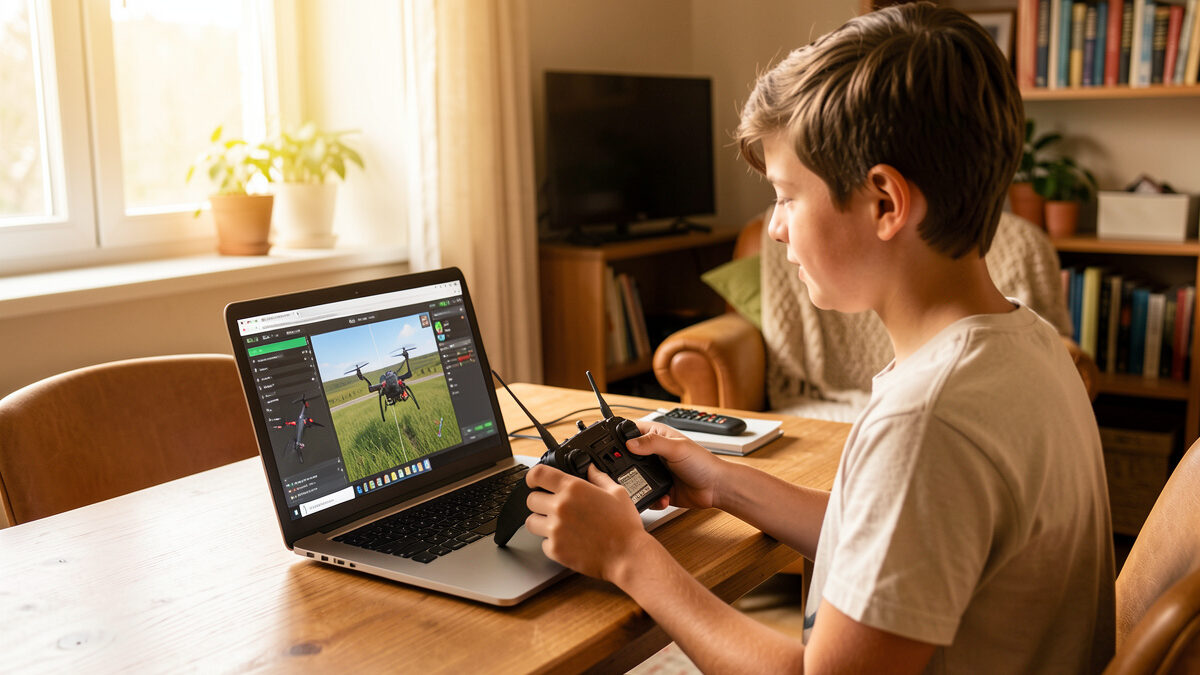
You can learn the entire foundation of FPV flight for exactly zero kronor. Free FPV simulators like the DRL Simulator’s free tier, FPV Freerider’s demo, and browser-based trainers will teach you a stable acro hover, basic orbits, and orientation — the skills that decide whether you keep the hobby. They will not give you the deep track libraries or honest physics of the paid sims, but for confirming you enjoy FPV before spending a single krona, free is the right place to start.
I tell every beginner the same thing: before you buy a radio, a sim, goggles, or a quad, prove to yourself you actually like flying FPV. The free sims exist for exactly that. This guide covers which free options are worth your time, what you can genuinely learn on them, and the honest point where free stops being enough and a $20 sim earns its money.
A free sim teaches the same first three skills as a paid one: acro hover, coordinated turns, and orientation recovery. Those are the make-or-break basics, and none of them require paid features. If you can hold a stable hover and fly a clean figure-eight in a free sim, you have already cleared the hardest beginner wall — the one that sends most quitters home.
What free gets you: enough flight model to build real thumb memory, enough environment to practice in, and a completely honest answer to “do I even enjoy this?” What it does not get you is depth — limited maps, fewer quad presets, no big community track library, and physics that range from decent to rough depending on the sim. For the first 5 to 10 hours, none of that matters. You are learning to not crash, and free does that fine. The broader plan for those hours lives in my FPV simulator training guide.
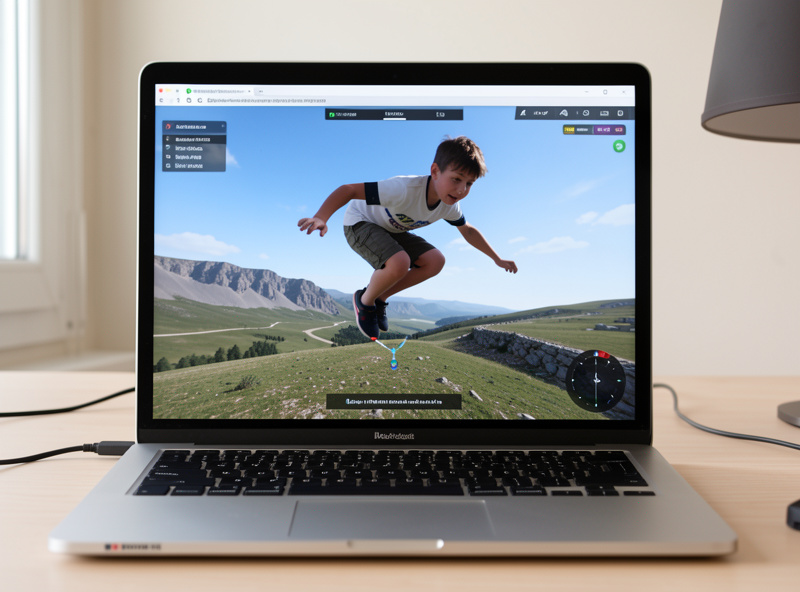
Three free options stand out, and each fills a slightly different need. The DRL Simulator’s free tier is the most generous starting point, FPV Freerider’s demo is the lightest on hardware, and browser-based trainers are the fastest way to try FPV in the next five minutes with nothing installed.
DRL Simulator (free tier). The Drone Racing League’s sim offers a genuinely useful free version with real tracks and a solid flight model. It is the closest a free sim gets to the paid experience and my first recommendation for anyone with a capable computer.
FPV Freerider (demo). Lightweight, runs on almost anything, and the demo gives you enough to learn a hover and basic acro. If your machine is modest, this is the one that will actually run smoothly.
Browser and mobile trainers. Several free browser-based FPV trainers let you plug in a radio and fly within minutes. Physics are basic, but for the very first “what does acro even feel like” session, they are unbeatable for convenience.
Free sims hit a ceiling at roughly the racing-and-freestyle stage, and that is the moment $20 becomes worth spending. Once you can hover and orbit cleanly, you will want honest physics, big track libraries, and proper freestyle maps to progress — and that is exactly where the paid sims pull ahead. Free gets you competent; paid gets you good.
Concretely, the limits you will feel are: shallow map and quad selection, physics that flatter you or feel slightly off, no leaderboards or community tracks to chase, and limited freestyle environments. When you find yourself repeating the same three maps and your basics feel solid, that is the signal. The jump from a free sim to Velocidrone or Liftoff is small money for a big gain — my Velocidrone vs Liftoff vs DCL comparison and my best FPV simulator pick for 2026 both walk through that next step.
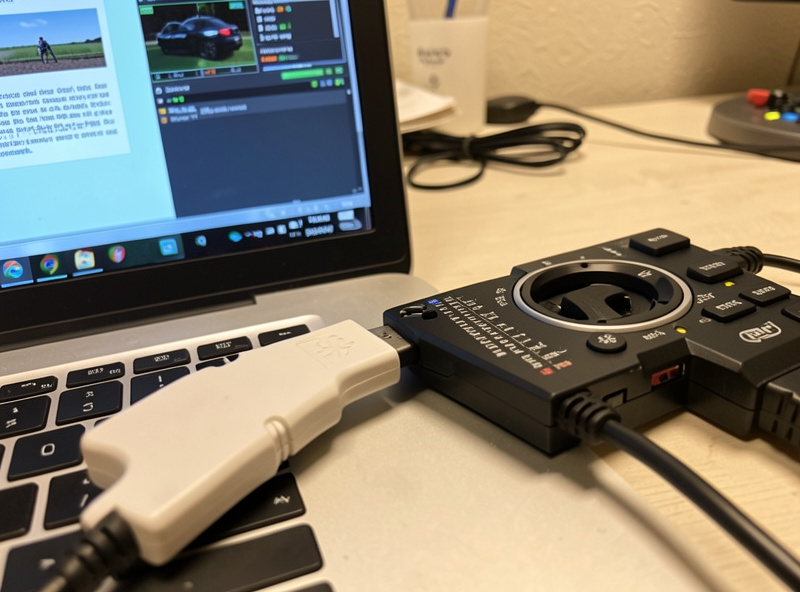
Free software still needs one piece of real hardware: a USB-capable radio. A keyboard or gamepad will technically fly a sim, but they teach habits that do not transfer to a real quad, so the muscle memory you build is partly wasted. The radio is the one purchase worth making before you fly even a free sim, because it is the only thing that crosses unchanged to a real aircraft.
Get a hall-sensor gimbal radio with USB — most modern ELRS or multiprotocol radios qualify — because hall sensors stay accurate where cheaper potentiometer gimbals drift. You can browse hall-gimbal FPV radios on Amazon to see current options. As an Amazon Associate I earn from qualifying purchases. Once it is in hand, set it up properly before your first session — the controller setup guide covers calibration and rates so your free hours build real habits. And here is why the controller comes before the drone.
Spend your first free week proving the basics, not chasing fun. The plan that gets a beginner past the quitting wall is simple: short, daily, deliberate sessions on one skill at a time. Twenty focused minutes a day for a week beats a single marathon weekend, because muscle memory builds on repetition with rest between, not on one exhausting cram.
Day one and two: nothing but acro hover — hold position, fight the drift, get comfortable that the quad never self-levels. Day three and four: slow orbits and figure-eights, linking roll and yaw with smooth throttle. Day five and six: orientation drills, deliberately flying the quad toward yourself until reversed controls stop confusing you. Day seven: free flight as a reward, just to feel the progress. If by the end of that week the hover is boring and the figure-eights are clean, you have your answer — you enjoy FPV, your thumbs are learning, and it is time to decide whether to keep going on free or invest the small money in a paid sim. Either way, the free week told you the truth for nothing.
Yes, for the first 5 to 10 hours. Free sims like the DRL free tier and FPV Freerider’s demo teach a stable acro hover, coordinated turns, and orientation recovery, which are the make-or-break beginner skills. They hit a ceiling at the racing and freestyle stage, where a paid sim earns its money.
The DRL Simulator’s free tier is the most generous, offering real tracks and a solid flight model close to the paid experience. FPV Freerider’s demo is best for modest computers, and browser-based trainers are fastest for a first five-minute try with nothing installed.
You can, but you should not. A keyboard or gamepad teaches inputs that do not transfer to a real quad, so the muscle memory is partly wasted. A USB-capable hall-sensor radio is the one piece of hardware worth buying before you fly even a free simulator.
When your basics feel solid and you are repeating the same few maps. Once you can hover and orbit cleanly, you will want the honest physics, big track libraries, and freestyle maps that paid sims like Velocidrone and Liftoff provide. The jump is small money for a big gain.
It varies. The DRL free tier has a solid model, while lighter browser trainers are more basic and can flatter you. For learning a hover and basic acro the physics are good enough, but for skill that transfers precisely to a real quad, the paid sims are noticeably more honest.
Once free has done its job — proving you love this and getting your thumbs past the first wall — keep building with the full simulator training guide, then graduate to a tinywhoop for your first real flights. When you are ready to put the skill to work, the hours-before-flying guide tells you when, and the best paid sim pick shows what your money buys next.
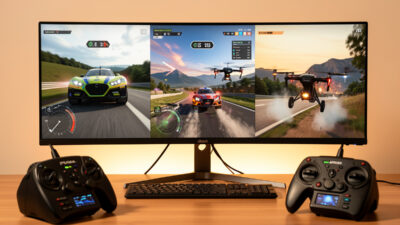
For honest physics and racing, pick Velocidrone; for the gentlest learning curve and the best…
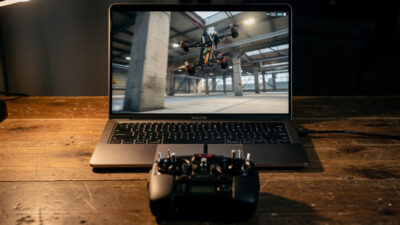
Ask ten FPV pilots which simulator is best and you’ll get ten answers, half of…
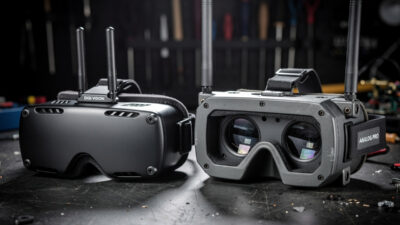
Somewhere early in the hobby every newcomer hits the fork that splits the whole of…
Leave a Reply