DJI Drone Case and Bag Guide: Match It to Your Travel
The right DJI drone case is the one that matches how you travel, and getting…
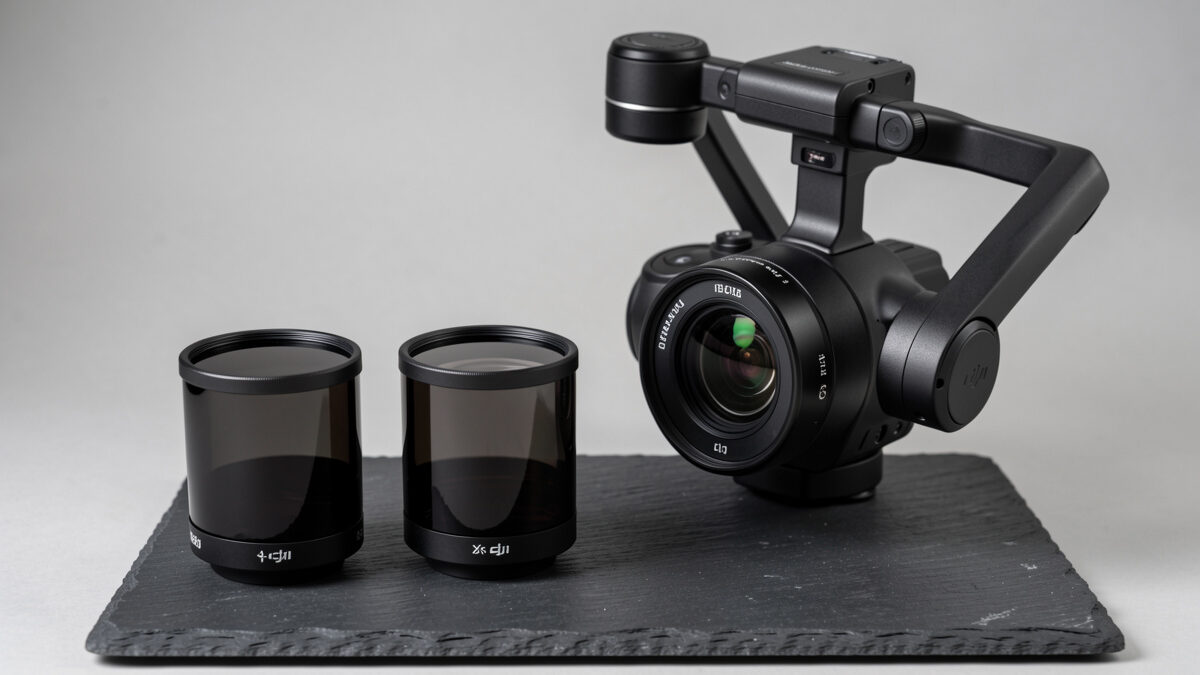
ND filters fix the single most common problem in daylight drone footage: choppy, stuttery motion caused by too fast a shutter. A neutral density filter is dark glass that cuts the light reaching the sensor so your DJI drone can hold a natural shutter speed — roughly double the frame rate — instead of being forced to 1/1000 or faster in bright sun. The result is the smooth, cinematic motion blur that separates good aerial video from the harsh, video-game look. They cost a few dollars and they show up in the footage immediately.
I came to drones from a lens bench, and ND filters are where that crossover pays off most directly. The physics is identical to a cinema camera: the shutter controls motion blur, and on a gimbal you want to keep it natural. This guide covers which strength to use in which light, how the math works, and the mistakes that waste a filter set. It is part of my wider DJI drone accessories guide.
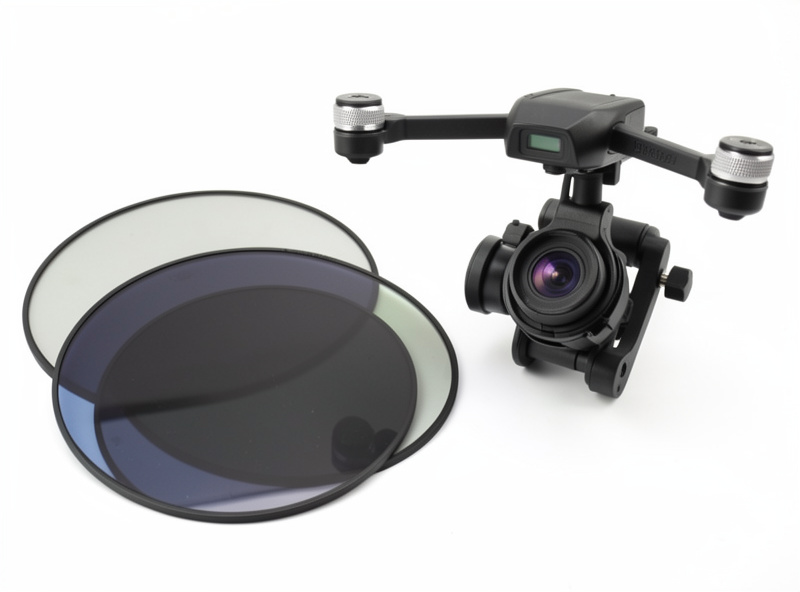
The problem is the shutter. For natural-looking motion, video wants a shutter speed about twice the frame rate — the old 180-degree shutter rule. Shoot 30fps and you want a 1/60 shutter; shoot 24-25fps and you want around 1/50. In bright daylight, holding that slow a shutter would massively overexpose the image, so the camera compensates by jumping to a very fast shutter, and fast shutters strip out motion blur. The footage then looks stuttery and unnaturally crisp, especially on pans and over moving ground.
An ND filter solves this by cutting light at the front of the lens, so you can keep the slow, natural shutter and still get a correct exposure. It does not change color — that is the “neutral” part — it just acts like sunglasses for the sensor. This is the entire reason ND filters exist, and it is why bright-day footage from a filterless drone almost always looks worse than the same drone shot through glass.
You do not need to memorize tables. Set your drone to record at a fixed frame rate, work out the target shutter (double the frame rate), then pick the ND that lets you hit that shutter at a good exposure. Brighter light needs a stronger ND. The numbers in ND names refer to how much light they block: ND8 blocks three stops, ND16 four stops, ND32 five stops, ND64 six stops. Each step up halves the light again.
In practice I do not calculate in the field — I read the histogram. I fit a filter, check that I can hold my target shutter without blowing out the sky, and step stronger if the image is still too bright. Overcast Swedish days often need only an ND8; harsh midday over snow or water can want an ND64 or stronger. The point is to keep the shutter pinned at the natural value and change the glass, not the shutter.
Here is the working chart I use as a starting point. Treat it as a first guess, then confirm on the histogram — conditions, latitude, and reflective surfaces shift it.
| Conditions | Starting ND | Stops blocked | Notes |
|---|---|---|---|
| Heavy overcast / dusk | None or ND4 | 0-2 | Often enough light is already low |
| Light overcast | ND8 | 3 | The everyday Nordic filter |
| Hazy sun / golden hour | ND16 | 4 | Good general bright-day pick |
| Bright direct sun | ND32 | 5 | Midday on land |
| Harsh sun on snow or water | ND64 | 6 | Reflective surfaces add light |
A four-filter kit of ND8/16/32/64 covers almost every real situation. If you only buy two, get ND16 and ND32 — they handle the bright-day cases where you most need the help. Buy filters made for your exact DJI model so they seat correctly and stay gimbal-balanced.
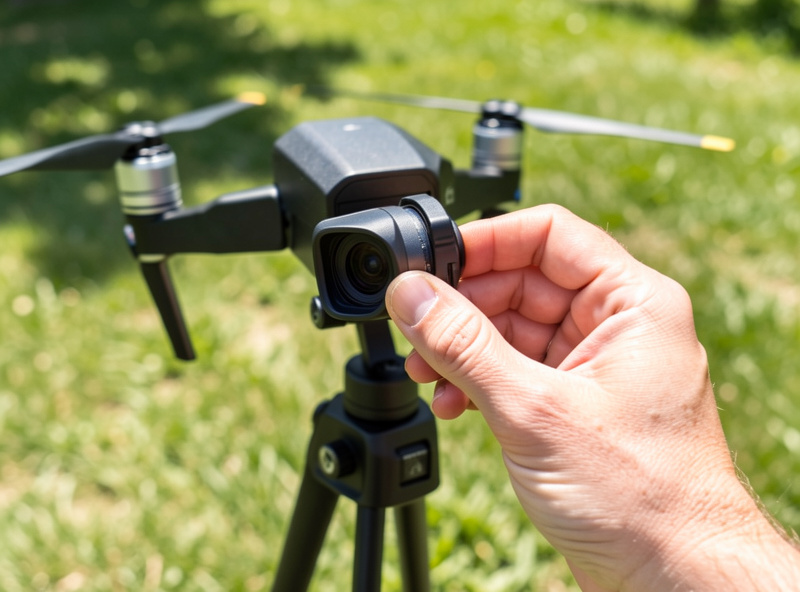
Some sets add a polarizing element — labeled ND/PL or CPL. A polarizer cuts glare and reflections and can deepen sky contrast and tame shine off water and wet roads. They are genuinely useful for landscape and coastal flying, but they need orienting and the effect changes as the drone yaws, which can make the sky shift brightness across a turn. I keep a couple of ND/PL filters for water work and plain NDs for everything else. If you fly mostly forests and fields, plain NDs are simpler and do the core job.
The first mistake is buying cheap, uncoated filters that introduce a color cast or soften the image — the whole point of an ND is to be optically neutral, and a bad one is worse than none. The second is over-darkening: if you fit an ND64 on an overcast day, the camera pushes ISO up to compensate and you trade smooth motion for noise. The third is forgetting to refit the gimbal calibration habits — always let the gimbal settle after a filter change. And the fourth is leaving a filter on after the light drops; an ND that was perfect at noon will starve the sensor at dusk.
One more, specific to the Mini line: ND filters add no flight weight because you change them on the ground, so unlike prop guards, they never threaten your sub-250g weight class. That makes them the safest upgrade you can add to a Mini 4 Pro kit.
My workflow is quick and repeatable. Before takeoff I set the camera to manual or shutter-priority, lock the frame rate I am shooting that day, and set the shutter to the natural value — 1/50 at 25fps, 1/60 at 30fps. Then I fit a filter and watch the exposure. If the histogram is pushed hard to the right or the sky clips white, I step up a stronger ND. If the image looks clean and the shutter is holding, I fly. The filter does the work the shutter cannot.
I carry the filters in a tiny hard pouch clipped inside the case, because a scratched ND is a ruined shot and they are small enough to lose. I change them on the ground with the drone disarmed and the gimbal supported — never wrestle a filter onto a powered gimbal, because the side load can stress the motors. After fitting, I let the gimbal re-settle and do a quick test pan to confirm motion looks smooth on the screen before committing to a real take. None of this is complicated, but doing it the same way every time is what keeps bright-day footage consistent.
One habit worth building: re-check your filter when the light changes. A long golden-hour shoot can start needing an ND32 and end needing nothing as the sun drops. If your footage suddenly looks noisy near the end of a session, the ND that was right an hour ago is now starving the sensor and the camera is pushing ISO to compensate. Pull the filter, or step down a strength, and the noise goes away.
As an Amazon Associate I earn from qualifying purchases. A model-specific DJI ND filter set on Amazon is the version to buy — generic adapters wobble.
ND filters are neutral dark glass that cut the light reaching the sensor so the camera can hold a natural shutter speed of about double the frame rate in bright daylight. That preserves cinematic motion blur instead of the choppy, stuttery look fast shutters produce. They do not change color, only brightness.
Match the strength to the light: roughly ND8 for light overcast, ND16 for hazy sun, ND32 for bright direct sun, and ND64 for harsh sun over snow or water. Use it as a starting point, then confirm on the histogram that you can hold your target shutter without overexposing.
Mostly no. ND filters matter for video because video depends on shutter speed for natural motion blur. For stills the camera can use any shutter speed freely, so a still photographer rarely needs them, though a polarizer can still help cut glare off water and deepen skies.
A plain ND only reduces light. An ND/PL adds a polarizing element that cuts glare and reflections and deepens sky contrast, which helps over water and wet surfaces. The trade is that a polarizer must be oriented and its effect shifts as the drone turns, so plain NDs are simpler for forest and field flying.
No. You swap ND filters on the ground and they are not on the aircraft when it flies, so they add no flight weight. That makes them one of the safest upgrades for a sub-250g Mini, unlike prop guards or high-capacity batteries that can push the drone over 250 grams.
For the full kit, start at the DJI accessories hub, then see the Mini 4 Pro accessories guide and the memory card guide. If your interest is the camera itself rather than the glass in front of it, my DJI camera quality breakdown and sensor size in small drones go deeper on what the sensor can actually do.
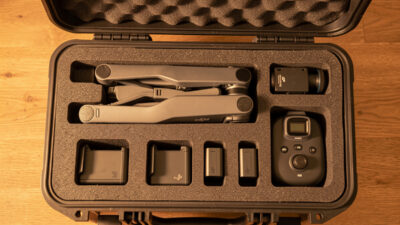
The right DJI drone case is the one that matches how you travel, and getting…
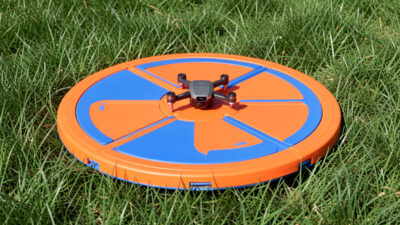
A drone landing pad solves one specific, expensive problem: grass, sand, gravel, and dust thrown…
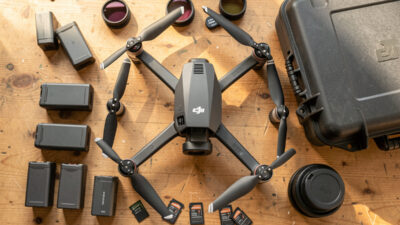
The accessories that actually matter for a DJI camera drone are the ones that protect…
Leave a Reply