FPV Crash Repair Guide: Triage, Fix, and Rebuild Your Quad
An FPV repair starts before the soldering iron: triage the crash first, then fix what…
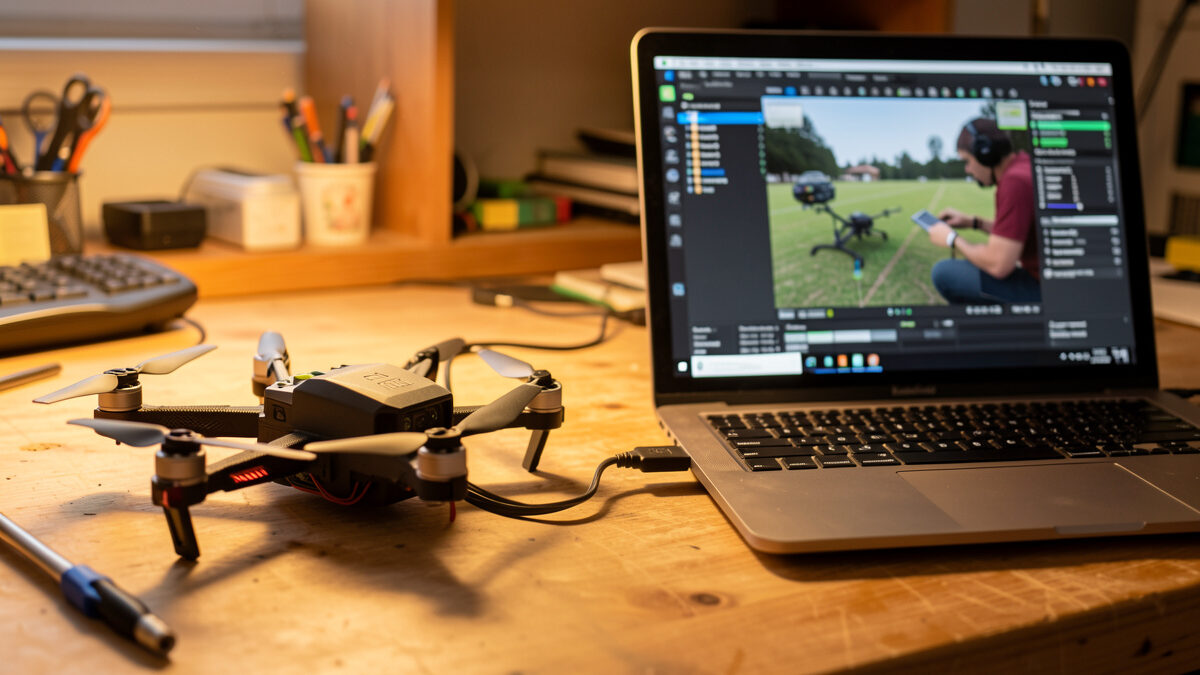
An FPV drone that won’t arm is almost never broken — it is being prevented from arming by a flag, and Betaflight will tell you exactly which one. Connect to the configurator, read the arming prevention flags, and work them in order: power and gyro first, then receiver link, then the software conditions like throttle position and arm switch. Most no-arm faults are a five-minute fix, not a dead board.
The first time a quad refused to arm on me I assumed the worst and started reaching for a new flight controller. The real cause was an arming flag I had never learned to read. Since then, “won’t arm” has become one of the most satisfying faults to diagnose because the quad hands you the answer if you know where to look. This guide is the repeatable diagnostic sequence I run, from confirming the board even powers up to decoding the specific flag stopping you.
Before blaming arming logic, confirm the FC is alive. Plug the quad into USB with no battery and watch for LEDs and whether Betaflight detects the board. If it boots on USB but won’t arm on battery, your problem is arming logic or the receiver. If it is dead on USB too, you have a power or hardware fault and arming is the least of it.
A board that lights up and connects in Betaflight is fundamentally healthy — the no-arm cause is almost certainly a flag or a link issue, not damage. A board that gives nothing on USB points at a dead FC, a fried voltage regulator, or a torn power lead, which is a hardware problem covered in my FC stack replacement guide. So split the diagnosis at this fork first: USB-alive means chase the flags, USB-dead means chase the hardware. Doing this one check before anything else saves you from rebuilding software config on a board whose real problem is a five-cent power wire.
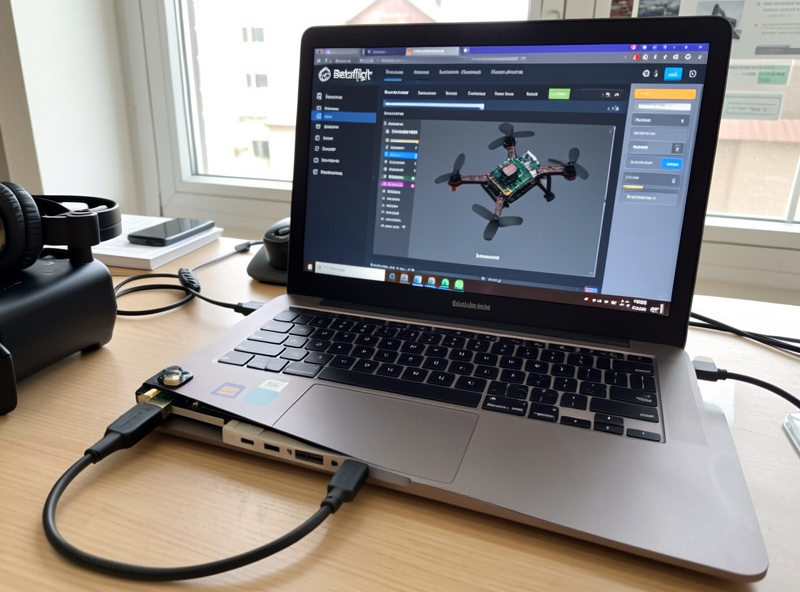
Betaflight‘s setup tab shows arming prevention flags — the exact reasons it is refusing to arm. This is the single most useful diagnostic in FPV, because it converts “won’t arm” into a named cause. A red flag like THROTTLE, ANGLE, or RXLOSS tells you precisely what to fix instead of guessing.
Connect the quad, leave props off, and read the flags listed on the setup screen. Each one maps to a specific cause and fix. Here are the ones I hit most often.
| Arming flag | What it means | How to fix it |
|---|---|---|
| THROTTLE | Throttle is not at minimum | Lower throttle fully; check throttle endpoint/trim |
| RXLOSS | No valid receiver signal | Bind the receiver; check wiring and model match |
| ANGLE | Quad is tilted beyond the arm angle limit | Set it level, or raise small_angle if intended |
| ARM_SWITCH | Arm switch was already on at boot | Flip the switch off, then on again after boot |
| FAILSAFE | Failsafe is active | Restore the radio link; check failsafe setup |
| BOXFAILSAFE / RUNAWAY | A safety condition or crash flip is latched | Re-check modes; power cycle after fixing the cause |
Nine times out of ten the flag names your problem outright. The remaining cases are usually a receiver that is not talking to the FC at all, which is its own short branch below.
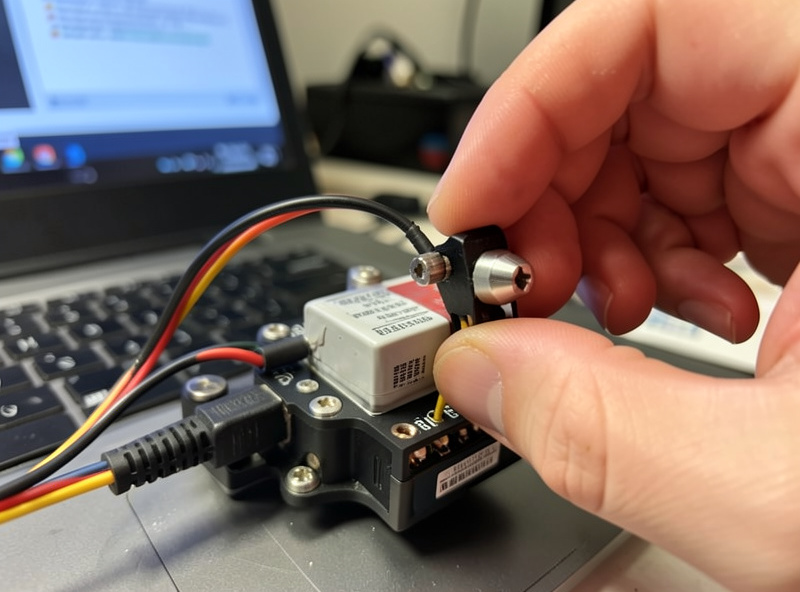
When the board is alive on USB but dies or won’t arm on battery, suspect a power or signal wire damaged in the crash. A cracked solder joint on the main lead can let the FC boot on USB’s low current but collapse under a battery’s load. A torn receiver wire shows up as a permanent RXLOSS flag no matter how you bind.
Inspect the obvious physical suspects: the main battery lead joints, the receiver wiring, and any connector that took the impact. Wiggle-test each wire gently while watching Betaflight — if the board drops out or a flag flickers, you have found a cracked joint to re-flow. A receiver that the FC cannot see at all often comes down to a broken signal wire or a knocked-loose connector rather than a dead receiver. These are exactly the joints my soldering repair guide covers re-flowing, and finding one is far cheaper than the parts swap you were dreading. Always quarantine the LiPo and inspect before powering, the same discipline as the broader crash repair triage.
Plenty of no-arm faults are pure configuration, especially after a firmware flash or a fresh board. The usual suspects are an arm switch not mapped to a mode, a throttle that does not reach minimum because of endpoint settings, an angle limit too tight, or a failsafe stuck active. None of these are damage — they are settings.
Check the modes tab to confirm the arm function is mapped to a switch and that the switch actually moves the slider into the active range when you flip it. Check the receiver tab to confirm throttle drops to its minimum value and the sticks move the right channels. If you just flashed a new board or restored a config, a mismatch between your radio’s channel map and the FC’s expected map is a classic cause — re-check the receiver setup end to end. After a crash that flipped the quad, a runaway-takeoff-prevention flag can also latch and needs the cause cleared and a power cycle. The first-arm config discipline that prevents most of these lives in my beginner mistakes guide.
The reason to follow a fixed order is that it isolates the fault instead of letting you chase your tail. My sequence is always the same: USB power check, read the arming flags, confirm the receiver link, inspect suspect wiring, then verify the software conditions. Each step either clears or names the problem, so you never skip ahead and miss the obvious.
Run it top to bottom every time. Does it power on USB? Read the flags. Is there an RXLOSS flag? Fix the link before anything else, because nothing arms without a receiver. No RXLOSS but a THROTTLE or ANGLE flag? That is a stick or orientation fix. Board drops out under battery? Hunt the cracked power joint. Everything reads clean but it still won’t arm? Re-check the modes mapping. This disciplined loop is the same mindset as the props-off testing I do after every motor swap — methodical beats frantic, and it turns a scary “dead drone” into a short checklist.
A persistent RXLOSS flag that survives re-binding points at the link itself. Either the receiver is not powered, the receiver-to-FC signal wire is broken, the protocol is set wrong in Betaflight, or the bind did not actually take. Confirm the receiver’s own LED shows a solid bind before you blame anything on the FC.
Walk it in order: is the receiver getting power (its LED lit)? Did the bind complete (solid LED, not flashing)? Is the FC’s serial port and receiver protocol set to match your receiver? Is the signal wire from receiver to FC intact? A receiver that binds and shows solid but still throws RXLOSS usually has a broken or mis-wired signal line, which is a soldering fix, not a new receiver. Getting the link rock-solid is foundational, and it is the same link layer I cover choosing in the goggles-and-radio material — a quad that cannot hear its radio will never arm, no matter how perfect everything else is.
Almost always an arming prevention flag, not damage. Connect to Betaflight and read the flags on the setup tab. THROTTLE means the throttle is not at minimum, RXLOSS means no receiver signal, ANGLE means it is tilted too far, and ARM_SWITCH means the switch was on at boot. The flag names the fix.
Open Betaflight, connect the quad with props off, and look at the arming prevention flags on the setup tab. They list the exact conditions blocking arming in plain names. This is the single most useful FPV diagnostic because it turns won’t arm into a specific, named cause you can fix directly.
Probably not. If it boots on USB and connects in Betaflight, the board is healthy and the cause is arming logic or the receiver link. A dead board gives nothing on USB at all. So a quad that powers up but refuses to arm is a flag or wiring issue, not a flight controller replacement.
RXLOSS means the flight controller is not receiving a valid signal from the receiver. Causes are an unpowered receiver, a failed or incomplete bind, the wrong protocol set in Betaflight, or a broken receiver signal wire. Confirm the receiver’s LED shows a solid bind, then check the wiring and protocol.
Yes. A crash can crack a solder joint on the main lead so the board boots on USB but collapses under battery load, tear a receiver wire causing a permanent RXLOSS flag, or latch a runaway-prevention flag after a flip. Inspect the wiring, re-flow cracked joints, and clear latched flags with a power cycle.
The THROTTLE flag means the flight controller sees the throttle above its minimum, so it refuses to arm for safety. Lower the throttle fully and check the receiver tab to confirm it actually reaches the minimum value. If it does not, adjust the throttle endpoint or trim on your radio until it bottoms out.
An FPV repair starts before the soldering iron: triage the crash first, then fix what…
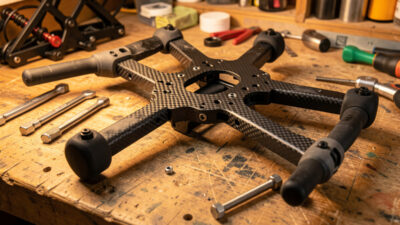
FPV frame repair is mostly about knowing the line between a fixable frame and a…
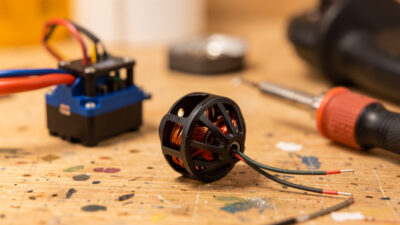
Replacing an FPV motor is a 30-minute job: confirm the motor is actually dead, match…
Leave a Reply